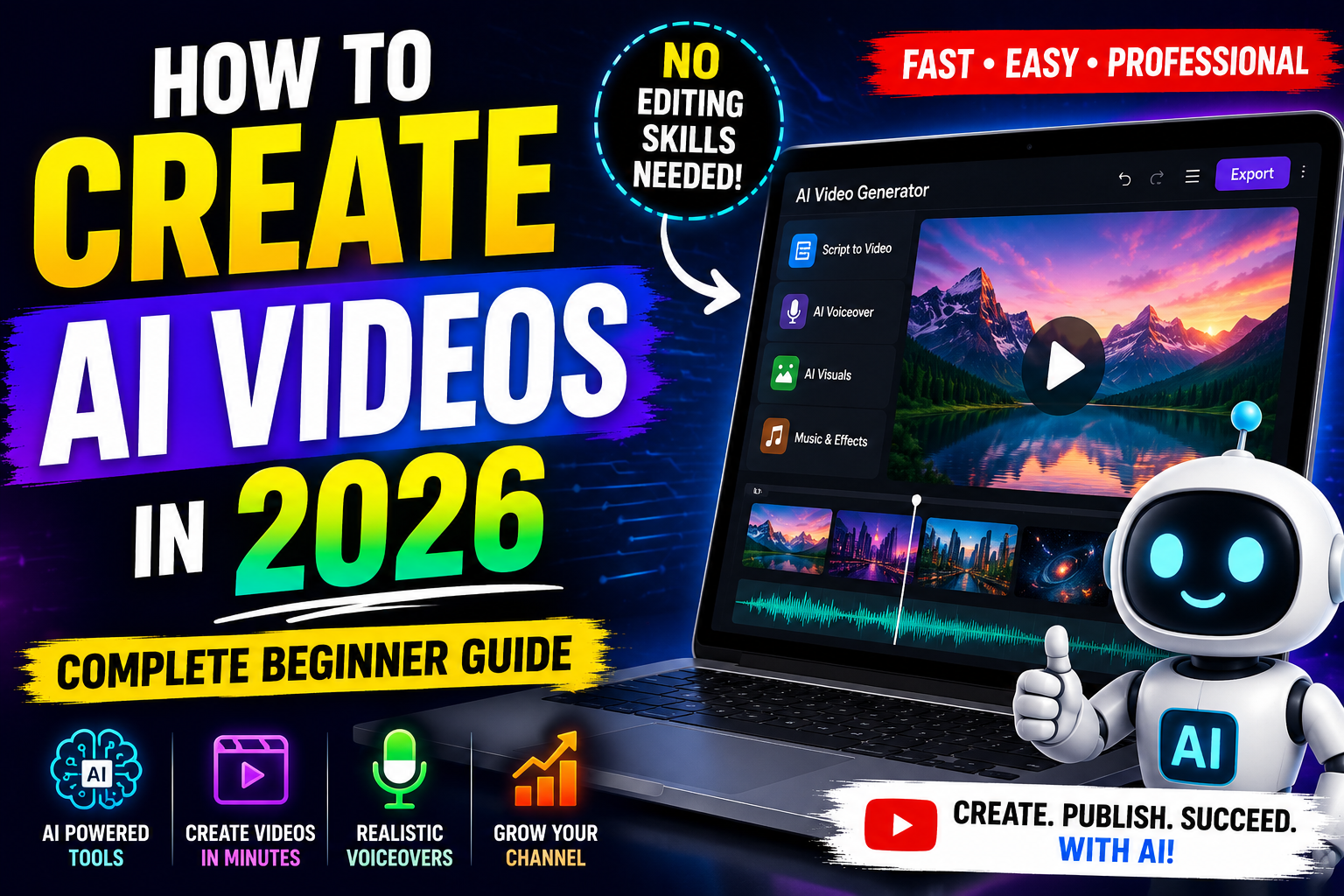
How to Create AI Videos in 2026 Complete Beginner Guide
Video content continues to dominate the internet. Every day, millions of people watch videos on YouTube TikTok Facebook, and Instagram. However creating high quality videos once required expensive software, advanced editing skills, and many hours of work.
Today, AI has changed everything. You can now create impressive videos in minutes. In fact, many creators use AI video tools to save time, reduce costs, and grow their online presence. If you are new to AI video creation, this guide will show you exactly how to get started.
What Are AI Videos?
AI videos are videos created with the help of artificial intelligence. Instead of editing everything manually, you use AI tools to generate scripts, voiceovers, images, animations, and even complete videos.
For example, you can enter a simple text prompt such as “Create a video about healthy eating.” The AI tool then generates scenes, visuals, and narration automatically.
As a result, beginners can produce professional looking videos without advanced technical knowledge.
Why Are AI Videos So Popular in 2026?
AI video creation has become popular for several reasons.
Faster Production
Traditional video editing can take hours or even days. In contrast, AI tools can create videos within minutes.
Lower Costs
Many businesses and creators use AI because it reduces production expenses. Therefore, even small creators can compete with larger brands
Easy for Beginners
Most AI video generators feature simple interfaces. As a result, almost anyone can create content quickly.
Better Content Output
Creators can produce more videos in less time. Consequently, they can reach larger audiences and grow faster.
Step by Step Guide to Creating AI Videos
Creating AI videos is easier than most people think.
Step 1 Choose an AI Video Tool
First, select an AI video generator that matches your needs. Some tools focus on social media content, while others support business presentations or educational videos.
Look for features such as text to video generation, AI voiceovers, automatic subtitles, and video templates.
Step 2 Create a Video Script
Next, write a simple script. Keep your message clear and focused.
For example, if you want to create a video about fitness tips, divide the content into short sections. This approach helps viewers stay engaged.
Step 3 Generate Visuals
After that, use AI to generate images, animations, or video clips. Many platforms automatically match visuals to your script.
In addition, some tools allow you to create custom scenes from text prompts.
Step 4 Add an AI Voiceover
A professional voice can improve viewer engagement. Fortunately, AI voice generators now sound more natural than ever.
Choose a voice style that fits your audience. Then let the software generate the narration automatically.
Step 5 Edit and Customize
Although AI handles most of the work, you should still review the final result.
For instance, check the timing, text placement, and scene transitions. Small adjustments often make a big difference.
Step 6 Export and Publish
Finally, export the video in your preferred format. Then upload it to YouTube, TikTok, Facebook, Instagram, or your website.
Best Uses for AI Videos
AI videos work well across many industries.
YouTube Content
Many creators use AI to produce educational videos, tutorials, and faceless YouTube channels.
Social Media Marketing
Businesses create short videos for TikTok Instagram Reels, and Facebook marketing campaigns.
Online Education
Teachers and trainers use AI videos to explain complex topics in a simple way.
Business Promotion
Companies create product demonstrations, advertisements, and promotional content with AI tools.
Tips for Better AI Videos
Creating an AI video is easy. However, creating a great AI video requires strategy.
First, focus on a single topic. Second, keep videos concise and engaging. Additionally, use clear voiceovers and high quality visuals. Moreover, add subtitles because many viewers watch videos without sound.
Most importantly, always review the final output before publishing.
Common Mistakes to Avoid
Many beginners make similar mistakes
Some rely entirely on AI without editing the results. Others use long scripts that reduce viewer retention. Additionally, poor quality prompts can produce weak content.
Instead, provide clear instructions and refine the video before sharing it online.
Conclusion
AI video creation has opened exciting opportunities for content creators, marketers, educators, and businesses. Today, anyone can create professional videos without expensive equipment or advanced editing skills.
By choosing the right AI video generator, writing a clear script, adding quality visuals, and making simple edits, you can create engaging content quickly and efficiently. As AI technology continues to improve in 2026, video creation will become even faster, smarter, and more accessible for everyone.